
Codex 接入第三方中转(ai.nccsec.cn)的一种思路
Lux4ry2026-09-12 16:08
前言
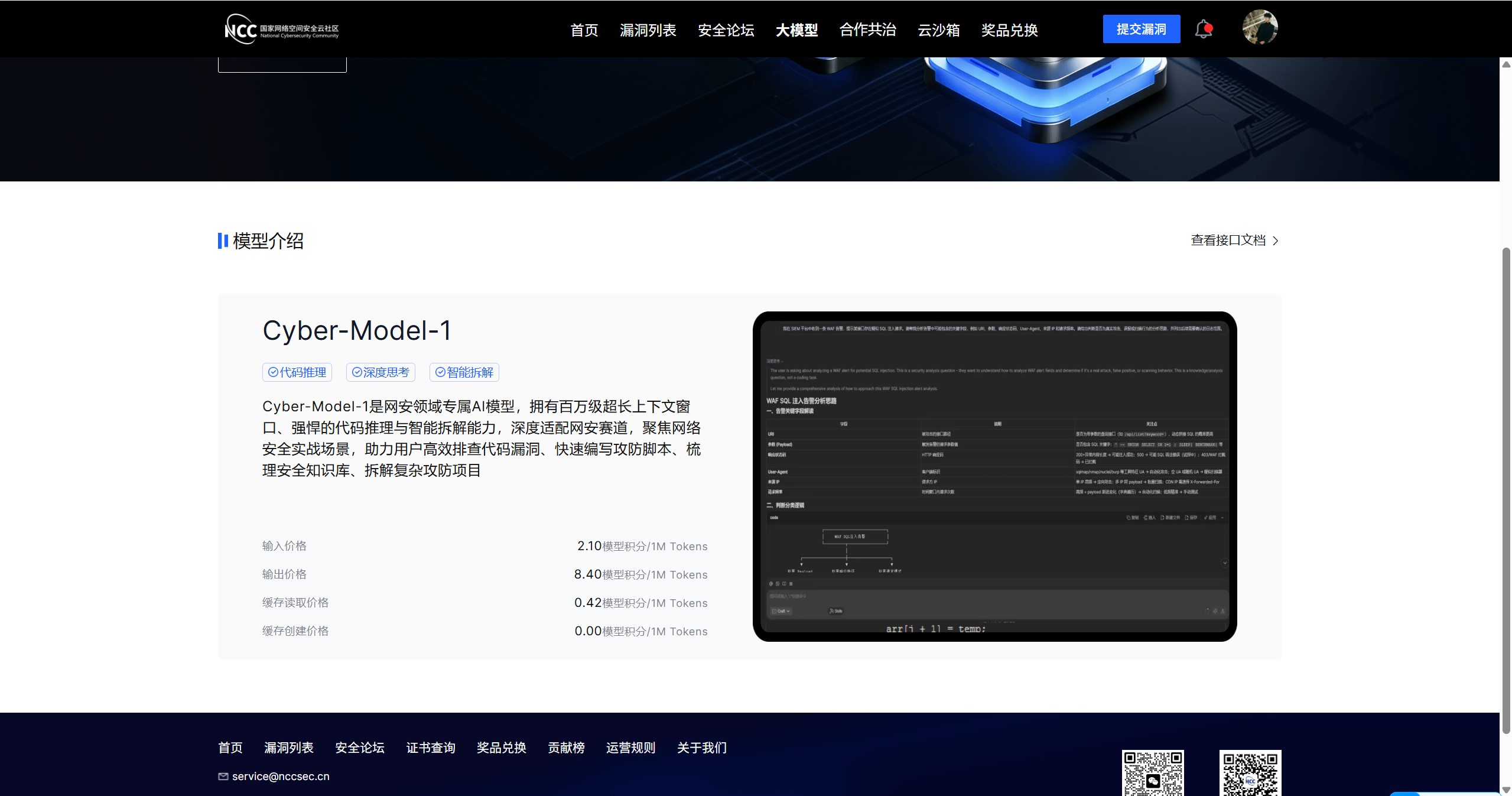
NCC (国家网络安全云社区)推出了免费的大模型 Cyber-Model-1
给我们这些白嫖的学生党带来了福音
每天50积分 不用就过期了
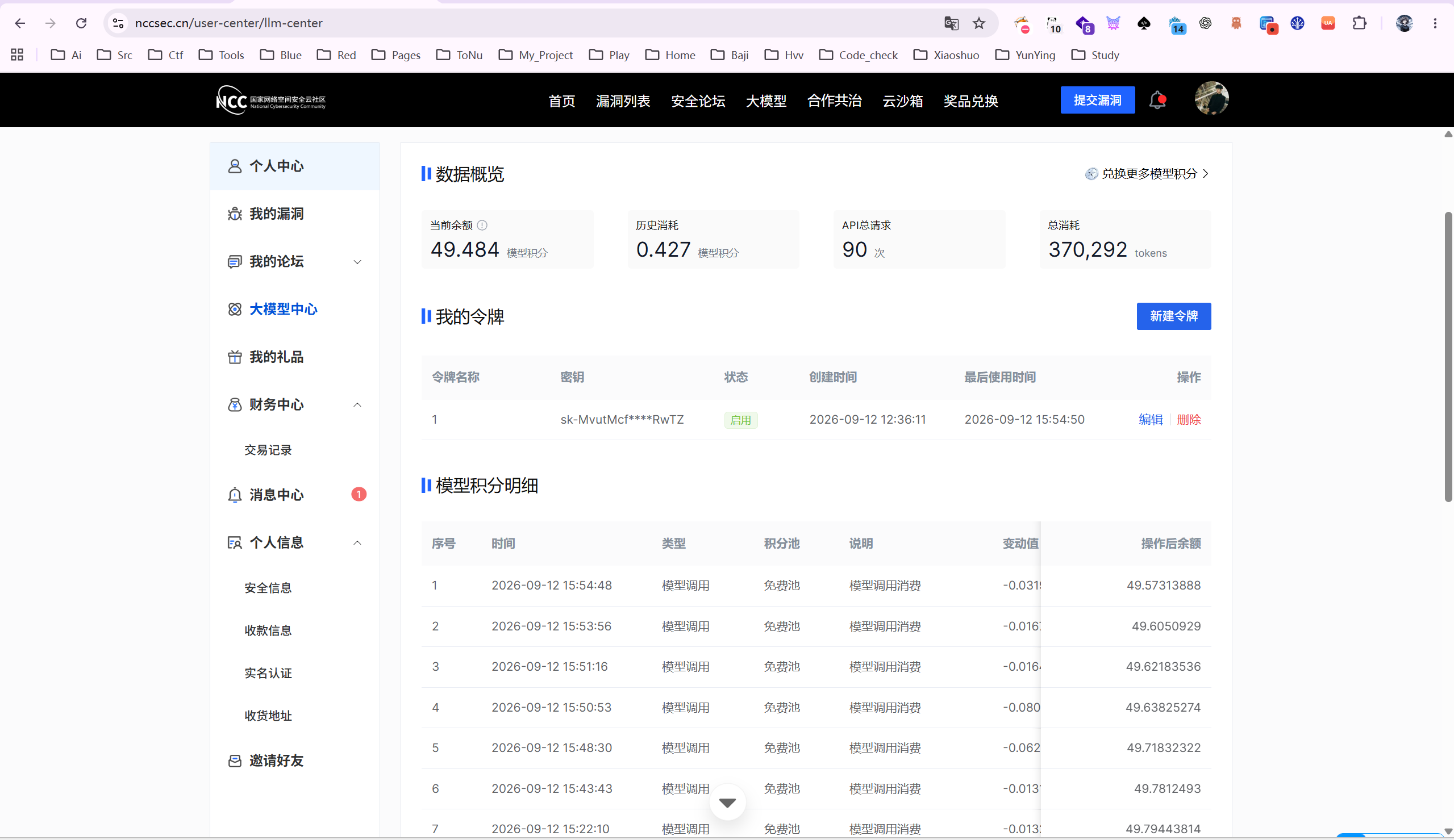
由于配置有点小麻烦 可以直接将下面的 步骤喂给你的 agent 然后让agent 去 配置 codex
一、架构总览
新版 codex 已移除 wire_api = "chat"(只支持 OpenAI Responses API),而 nccsec 中转只有 /v1/chat/completions 端点(/v1/responses 返回 404)。中间用 LiteLLM 代理做协议转换:
codex (Responses API, wire_api=responses)
   │  http://127.0.0.1:4010/v1
   ▼
LiteLLM 代理(chat bridge + 工具清洗 hook)
   │  https://ai.nccsec.cn/v1/chat/completions
   ▼
nccsec 中转(cyber-model-1,后端 MiniMax-M3)
LiteLLM 的两个关键机制:
- chat bridge:模型写成
openai/chat_completions/<名字>前缀,强制把 Responses 请求转成 chat completions 发上游 - 工具清洗 hook:codex 会发
tool_search、web_search、custom(apply_patch)、namespace(MCP 工具组)等非 function 工具,MiniMax 后端不认(报invalid tool type: tool_search 2013),hook 在出站前把 namespace 展开成 function、其余剥掉
二、文件清单
| 文件 | 作用 |
|---|---|
C:\Users\Luxury\.codex\nccsec-litellm.yaml |
LiteLLM 代理配置 |
...\Python312\Lib\site-packages\litellm_tool_filter.py |
工具清洗 hook |
C:\Users\Luxury\.codex\config.toml |
codex 主配置(模型 + provider) |
C:\Users\Luxury\.codex\auth.json |
codex 侧 key(本地代理 master key) |
C:\Users\Luxury\.codex\models.json |
UI 模型目录(只留 cyber-model-1) |
C:\Users\Luxury\.codex\start-nccsec-litellm.vbs + 启动文件夹副本 |
开机自启 |
C:\Users\Luxury\.codex\litellm-nccsec.log |
代理运行日志 |
C:\Users\Luxury\.codex\litellm-tool-filter.log |
工具转换记录(排查用) |
三、配置步骤
1. 安装 LiteLLM
"C:/Users/Luxury/AppData/Local/Programs/Python/Python312/python.exe" -m pip install "litellm[proxy]"
2. LiteLLM 配置 ~/.codex/nccsec-litellm.yaml
model_list:
  - model_name: cyber-model-1
    litellm_params:
      model: openai/chat_completions/cyber-model-1   # 前缀强制走 chat bridge
      api_base: https://ai.nccsec.cn/v1
      api_key: sk-MvutMcfvcZ5MZDFCrmXiRGmA6BUp7x7PVi6XueQqTnbiRwTZ

general_settings:
  master_key: sk-local-codex     # codex 连本地代理用的 key,与上游 key 分离

litellm_settings:
  drop_params: true
  request_timeout: 3000
  callbacks: ["litellm_tool_filter.proxy_handler_instance"]
换中转/key 时只改 api_base / api_key;换模型改两处 model_name 和 bridge 前缀后的名字。
3. 工具清洗 hook site-packages/litellm_tool_filter.py
import time
from pathlib import Path

from litellm.integrations.custom_logger import CustomLogger

_LOG = Path(r"C:/Users/Luxury/.codex/litellm-tool-filter.log")
_KEEP = {"function", "custom_tool"}


def _flatten_tools(tools):
    """Rewrite Codex's Responses-API tool list into a function-only list.

    - keep `function` and standard `custom_tool` entries as-is
    - expand `namespace` entries (Codex's MCP wrapper) by promoting each
      nested function tool to a top-level one named `<ns><tool>`
    - drop everything else (`tool_search`, `web_search`, freeform `custom`, ...)
      because chat-completions backends like the nccsec relay reject them
    """
    out = []
    for t in tools:
        if not isinstance(t, dict):
            continue
        ty = t.get("type")
        if ty in _KEEP:
            out.append(t)
        elif ty == "namespace":
            ns_name = t.get("name", "")
            for s in t.get("tools") or []:
                if isinstance(s, dict) and s.get("type") == "function":
                    promoted = dict(s)
                    promoted["name"] = ns_name + s.get("name", "")
                    out.append(promoted)
    return out


class ToolFilter(CustomLogger):
    async def async_pre_call_hook(self, user_api_key_dict, cache, data, call_type):
        try:
            if not isinstance(data, dict):
                return data
            tools = data.get("tools")
            if not (isinstance(tools, list) and tools):
                return data
            kept = _flatten_tools(tools)
            if len(kept) != len(tools):
                try:
                    with _LOG.open("a", encoding="utf-8") as f:
                        before = [t.get("type") if isinstance(t, dict) else "?" for t in tools]
                        after = [t.get("type") if isinstance(t, dict) else "?" for t in kept]
                        f.write("%s tools %s -> %s\n" % (time.strftime("%H:%M:%S"), before, after))
                except Exception:
                    pass
            new_data = dict(data)
            new_data["tools"] = kept
            return new_data
        except Exception:
            return data


proxy_handler_instance = ToolFilter()
注意:callbacks 必须指向实例(proxy_handler_instance),写类名会启动失败。改这个文件后必须重启 LiteLLM(Python 不热重载)。
4. codex 主配置 ~/.codex/config.toml(关键部分)
model = "cyber-model-1"
model_provider = "nccsec"
preferred_auth_method = "apikey"
model_reasoning_effort = "high"
stream_idle_timeout_ms = 3000000    # 对应原配置的 timeoutMs

[model_providers.nccsec]
name = "nccsec"
base_url = "http://127.0.0.1:4010/v1"
wire_api = "responses"
requires_openai_auth = false
experimental_bearer_token = "sk-local-codex"
字段对照(用户原始 JSON → codex 生态):
| 原配置 | 落地位置 |
|---|---|
| apiKey | LiteLLM yaml 的 api_key |
| baseURL | LiteLLM yaml 的 api_base |
| model | config.toml 的 model |
| smallModel | 空则忽略(codex 无此概念) |
| timeoutMs 3000000 | stream_idle_timeout_ms + LiteLLM request_timeout 3000 |
5. ~/.codex/auth.json
{
  "auth_mode": "apikey",
  "OPENAI_API_KEY": "sk-local-codex"
}
6.(可选)UI 模型目录 ~/.codex/models.json
只想在界面看到这一个模型时,把 catalog 换成单条目(config.toml 里 model_catalog_json 指向它):
{
  "models": [
    {
      "slug": "cyber-model-1",
      "display_name": "Cyber Model 1",
      "context_window": 1048576,
      "max_context_window": 1048576,
      "default_reasoning_level": "high",
      "supported_reasoning_levels": [
        {"effort": "low", "description": "Fast responses with lighter reasoning"},
        {"effort": "high", "description": "Extra high reasoning depth for complex problems"}
      ]
    }
  ]
}
(实际条目字段从原 models.json 克隆模板改的,上面是骨架示意。)
7. 启动与自启动
手动启动:
"C:\Users\Luxury\AppData\Local\Programs\Python\Python312\Scripts\litellm.exe" --config "C:\Users\Luxury\.codex\nccsec-litellm.yaml" --host 127.0.0.1 --port 4010
开机自启(无窗口):~/.codex/start-nccsec-litellm.vbs 已放入启动文件夹
Set WshShell = CreateObject("WScript.Shell")
WshShell.Run """C:\Users\Luxury\AppData\Local\Programs\Python\Python312\Scripts\litellm.exe"" --config ""C:\Users\Luxury\.codex\nccsec-litellm.yaml"" --host 127.0.0.1 --port 4010", 0, False
四、验证
# 1. 代理存活
curl http://127.0.0.1:4010/v1/models -H "Authorization: Bearer sk-local-codex"
# 期待:{"data":[{"id":"cyber-model-1",...}]}

# 2. Responses 转换(注意 body 用 UTF-8 文件传,见坑 5)
curl -N http://127.0.0.1:4010/v1/responses -H "Authorization: Bearer sk-local-codex" \
  -H "Content-Type: application/json" --data-binary @test.json
# 期待:SSE 事件流 response.created → response.output_text.delta → ...

# 3. 端到端
codex exec --skip-git-repo-check "reply with exactly: ok"
桌面版 Codex 直接开新会话即可,UI 报「正在重新连接 / 高负载」先查 litellm-nccsec.log。